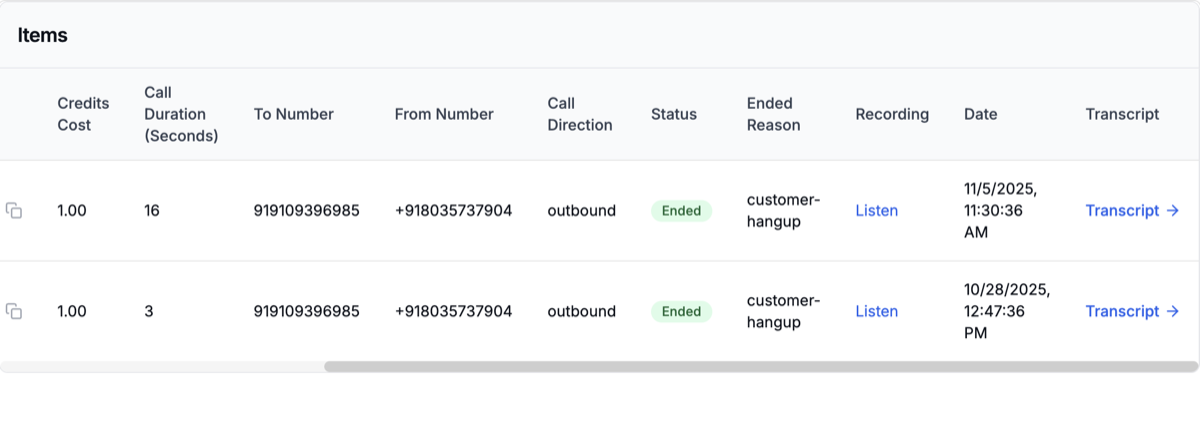

Outbound campaigns help you reach your audience directly: to qualify leads, follow up with sign-ups, share updates, or announce offers. With superU AI, all of this happens automatically, at scale, while maintaining a natural, human-like tone.Documentation Index
Fetch the complete documentation index at: https://docs.superu.ai/llms.txt
Use this file to discover all available pages before exploring further.
Set Up Your Campaign
Go to Campaigns → Create Campaign.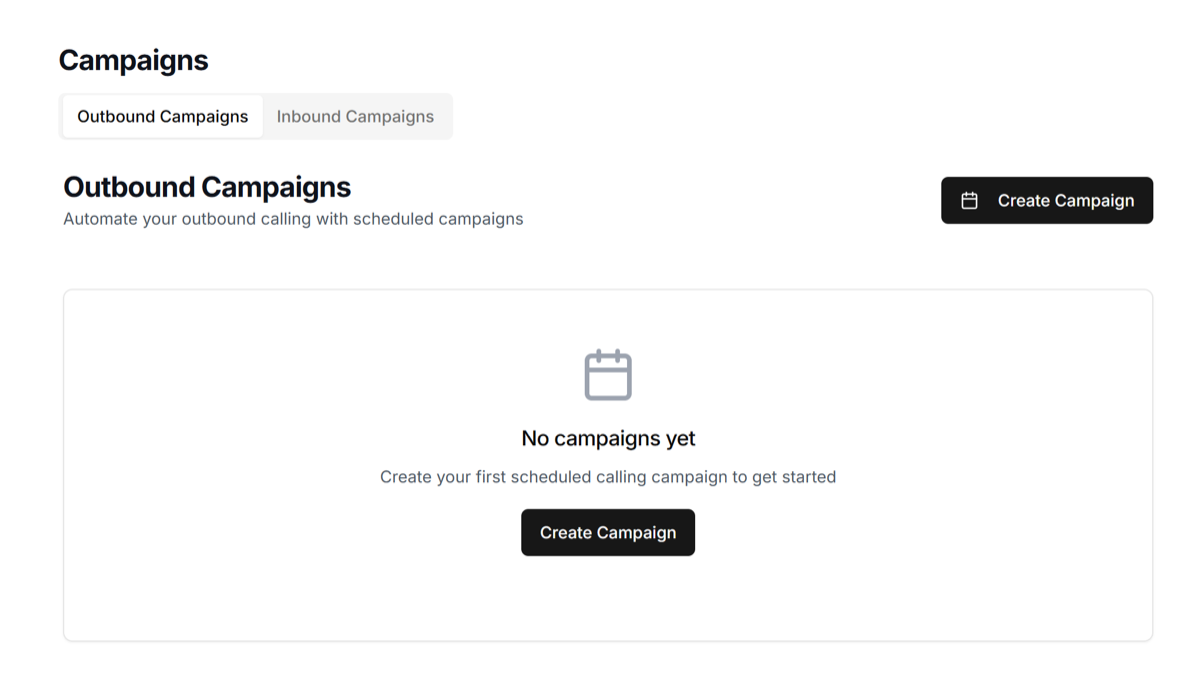 Enter a campaign name and select your outbound agent.
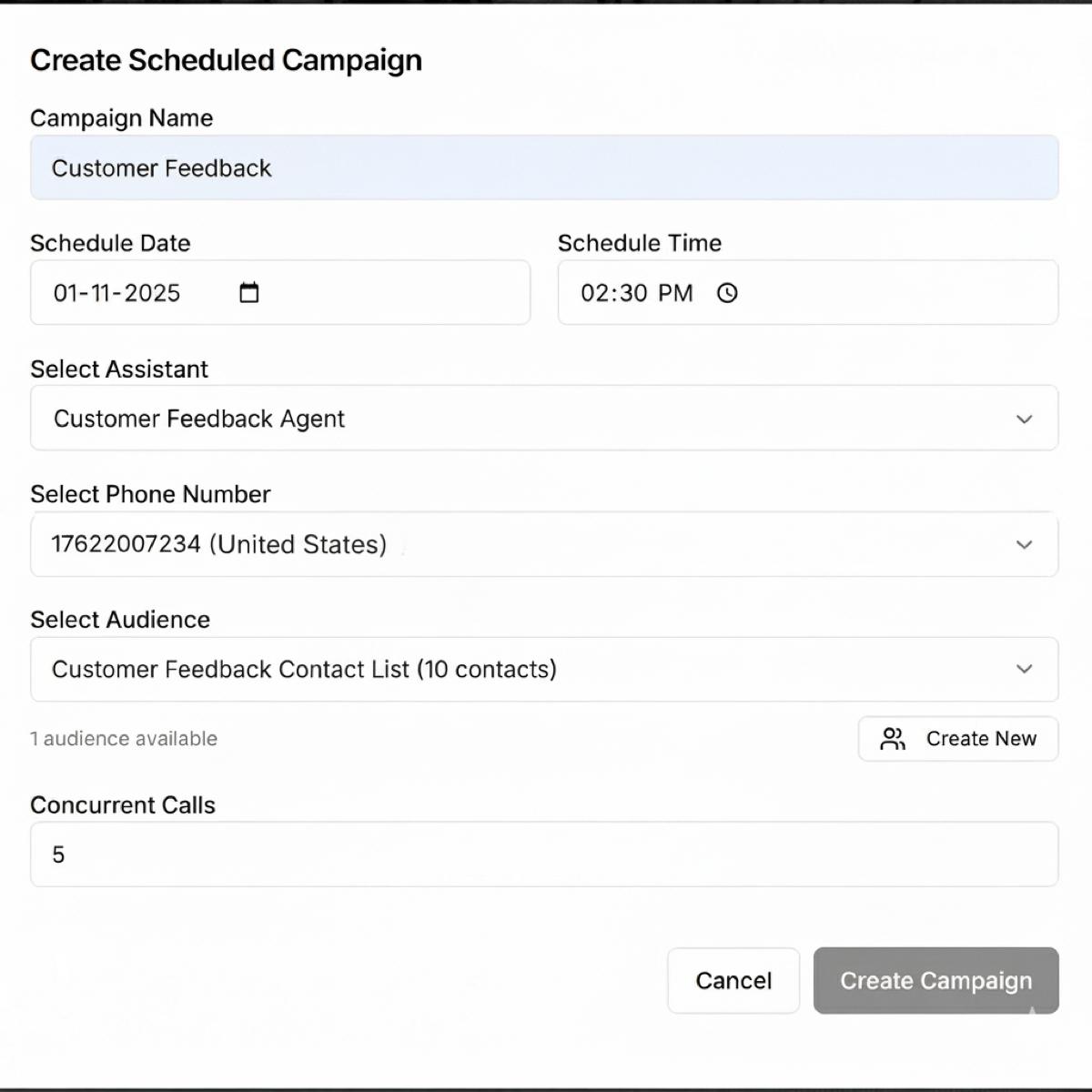
Choose your audience list and the phone number to use. Pick a date, time, and number of concurrent calls.
Enter a campaign name and select your outbound agent.
Choose your audience list and the phone number to use. Pick a date, time, and number of concurrent calls.
Review and Launch
Review everything and click Create Campaign to launch. Once your campaign begins, your agent will automatically start calling contacts. That’s it! Your superU AI agent is now live making outbound calls. You can track all calls in your dashboard with live status, duration, and outcomes..png?fit=max&auto=format&n=oI21Hwq2pBgOhN4K&q=85&s=c8cc4aa14d102632f4309992ad5c0627)